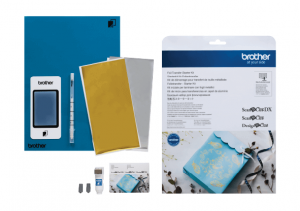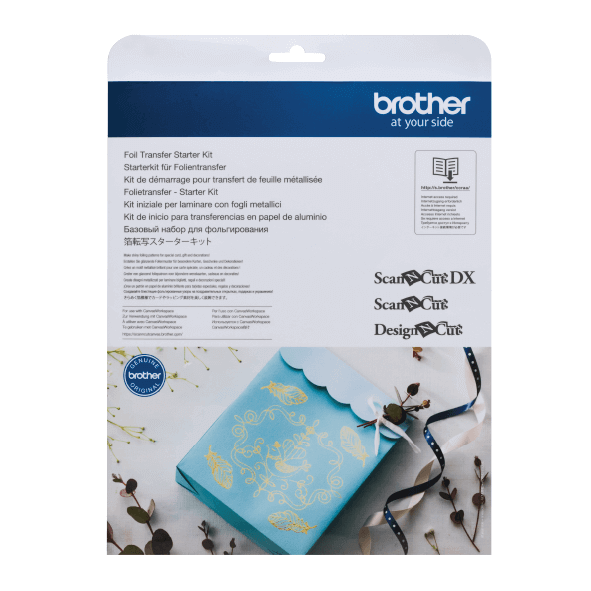
For use with Brother ScanNCut, the Foil Transfer Kit lets you create exciting, shimmer effects on a variety of papers. Create unique projects with different coloured Foil Transfer sheets. Keep your activation card handy to unlock the templates on Canvas Workspace. You’ll need a PC, internet access and a USB memory device to get started.
Product Features
WHAT’S IN THE BOX?
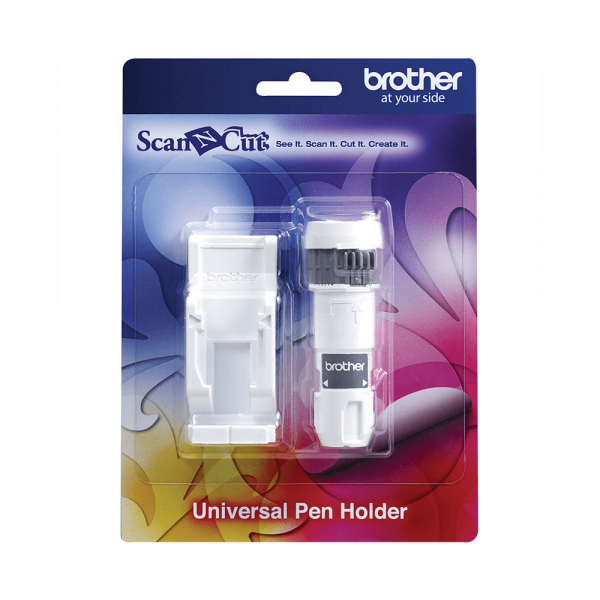
- 1 x Glue Pen Holder
- 2 x Pressing Tool
- 1 x Glue Pen
- 1 x Gold Foil Transfer Sheet (100mm x 200mm)
- 1 x Silver Foil Transfer Sheet (100mm x 200mm)
- 1 x Dust Removal Sheet (50mm x 75mm)*
- 1 x Protective Sheet (12” x 12”)**
- 1 x Activation Code for ScanNCut Canvas Foiling Function
* To replace the dust removal sheet, purchase CASTPS1 (Stamp sheets)
** To replace the protective sheet, purchase CAEBSTS1 (embossing template sheet)